TimelineFX

  • Increase font size
  • Default font size
  • Decrease font size

TimelineFX

Module and Editor now available on Windows and Mac!

The module is available for free under the MIT license, and the Editor is available to purchase for £19.99. Head on over to the downloads section to download the module and a trial version of the editor.

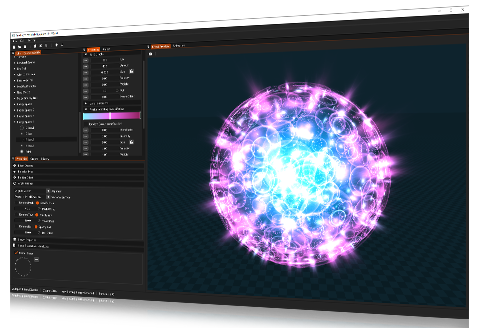
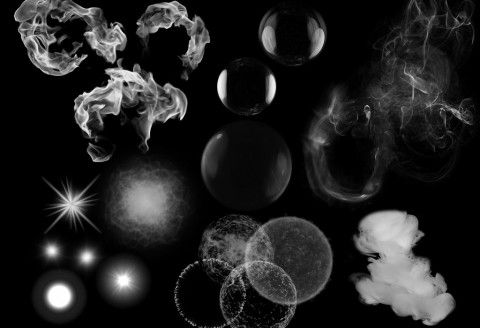
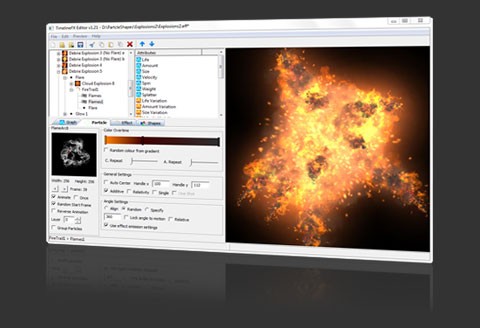
TimelineFX is a particle engine for Blitzmax with the power to create a vast range of effects in your games and applications quickly and easily. It comprises both a Blitzmax module and a powerful editor to quickly create effects using any particle shape or animation you wish. Once you have created an effects library with the editor you can easily integrate the effects into your game using the module.

If there's any specific questions about TimelineFX, then feel free to contact me by either sending an email to This e-mail address is being protected from spambots. You need JavaScript enabled to view it , or register on the forums and ask any questions there.

Control

At the core of the particle engine is a powerful graphing system that allows you to control how your particles behave over time.

Graph - Setting the velocity over time 

You can control many different attributes over time including:

Attributes available in TimelineFX 

On top of the attributes there are also many properties you can change in order to further affect the overal look of the effect, including blendmode, effect type (point, area, line and ellipse), relativity, angle settings, choosing the frame of an image strip, whether the effect loops - and much more besides.

In addition to all this you can of course control the colour of the particle overtime using the colour bar, or even make it choose a random colour from the colour bar.

The colourbar 

Record your animations

The TimelineFX editor also comes with an animation recorder so that you can export your effects as animation strips saved in PNG format. This has many advantages such as optimising your game, so that instead of using a complex particle effect you can simply play the animation instead. Another advantage is that you can record an animation sequence and load the animation into the editor as an animated particle shape to create even more complex but optimised particle effects.

The animation recorder also has the advantage of being able to create seamlessly looped effects.

Code

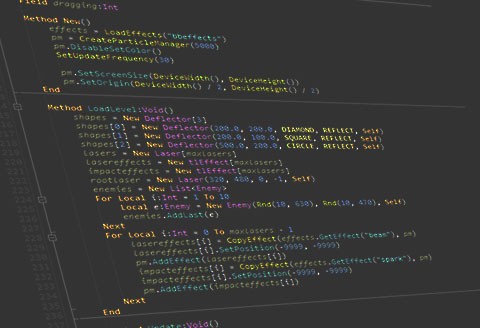
Using the effects you create with the editor couldn't be easier. Simply load the effects you want, add them to a particle manager and update the particle manager in your main loop. It's recommended that you use fixed rate timing for the best results and, to help you out, a timing module called tweener.mod is supplied with the module.

 
Local MyEffectsLib:tlEffectsLibrary = LoadEffects("MyEffects.eff")  
Local MyEffect:tlEffect = MyEffectsLib.GetEffect("AlienClouds")  
Local MyParticleManager:tlParticleManager = CreateParticleManager()   
MyParticleManager.SetScreenSize(GraphicsWidth(), GraphicsHeight())  
SetUpdateFrequency(30)
Local Tweener:tTweener = New tTweener.Create(30)   
MyParticleManager.addeffect(CopyEffect(MyEffect, MyParticleManager))   
While Not KeyDown(KEY_ESCAPE)
    Cls
    Tweener.Update()
    For Local Ticks:Int = 1 To Tweener.FrameTicks
      Tweener.UpdateExecutionTime()
      MyParticleManager.Update()
    Next
    MyParticleManager.DrawParticles(Tweener.Tween)
    Flip
Wend  
 

For more information follow the links and browse the menu above.

The TimelineFX Editor
The TimelineFX Module