You may have noticed that there's a few animations around the site on certain elements. So how are they done? Well, it's really very simple actually! Find out how to implement on your own web pages by following this simple guide to get you started. Read more
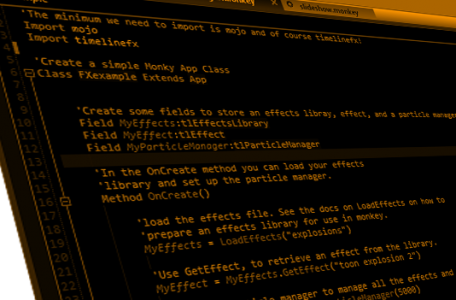
The Monkey version for TimelineFX has been in beta for a while now and it's pretty much feature complete bar a few bugs that will probably crop up here and there. It's not actually based on the Blitzmax version directly ie., I didn't base the code and class structure on it, I actually wrote it from scratch for Monkey. Read more
This code can be found in the timlinefx.mod/docs folder called tlParticleManager.bmx. It simply shows what you need to do to load in an effects file and display an effect on screen and demonstrates just how easy it is to implement TimelineFX. Read more
Here's an overview of some of the commands you'll be using the most in TimelineFX.
TimelineFX is very Object Orientated so most of the commands are accessed through the objects you create. The main object in TimelineFX you will use is tlParticleManager. You need to know how to create one, how to update it, and how to render the effects and particles it is managing. You also need to tell it the size of the screen you are rendering to. Read more