Finally, it’s been a year and a half but after a lot of refactoring (see last news about the renderer update) I’ve just released the latest alpha version for Windows and also Linux which is a first for TimelineFX. They’ll be no Mac version for now, there’s no problems running it on Mac, the only issue is the fact I have to pay Apple a 100 bucks to go through their app signing process which I’ll be more happy to do when we go in to beta a few versions away.
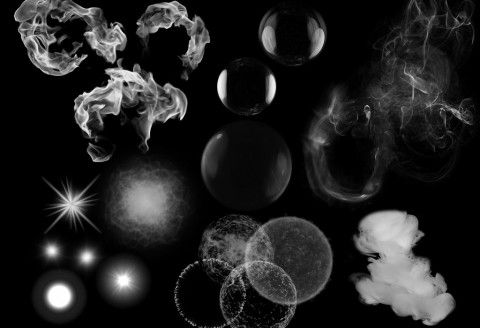
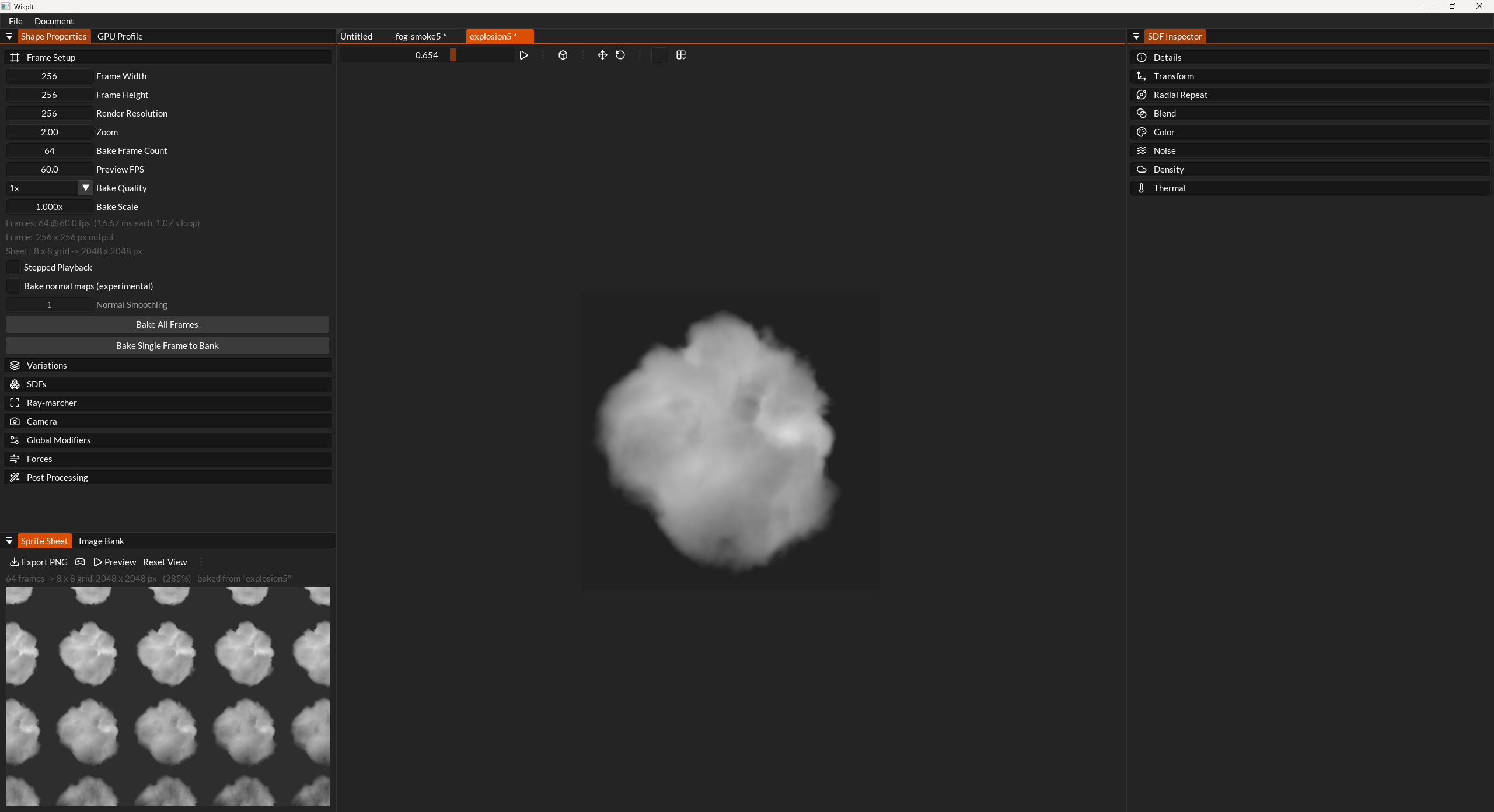
Not only has there been a huge amount of work on TimelineFX but one of the things about creating particle effects is that their quality is largely dependent on high quality particle shapes and apps that specialise in this are few and far between, so I created my own! This was largely possible because my renderer is so easy to use. The app (I’m currently deciding between calling it WispIt or SmokeIt), uses SDFs and ray casting with noise volumes to create a whole range of different shapes we can use for particle effects. I’ll be releasing that as a separate app probably on itch.io soon once I’ve tidied some things up with it, I think it’s pretty awesome though and the new effects file that ships with the editor contains all new particle shapes (many animated) that were mostly created with this new app.
Breaking changes:
- There is no longer a 2d mode, all effects are 3d, if you want 2d, simply go to the camera icon and select flat view. This is way better overall, it makes maintenance of the library far easier and 3d in 2d effects just look better anyway.
- When you load an old library it will warn that it’s an old version, you can just resave it to update it.
Grab the latest alpha version here.
Here are the main headlines:
Engine, rendering & performance
- Rebuilt on a major Zest renderer update: frame-graph caching, bindless
resources, more efficient staging buffers, and validation clean-up. - Particle quads now use 16-bit quaternions for rotation, and a more
efficient vertex shader that eliminates the per-vertexatan. - The effect manager now updates on its own thread, with numerous race
condition fixes around loading, recording and editing. - Smaller unified sprite instance struct (
tfx_instance_tnow only 48 bytes), updated memory
allocator, and a broad round of memory-leak fixes and integrity checks.
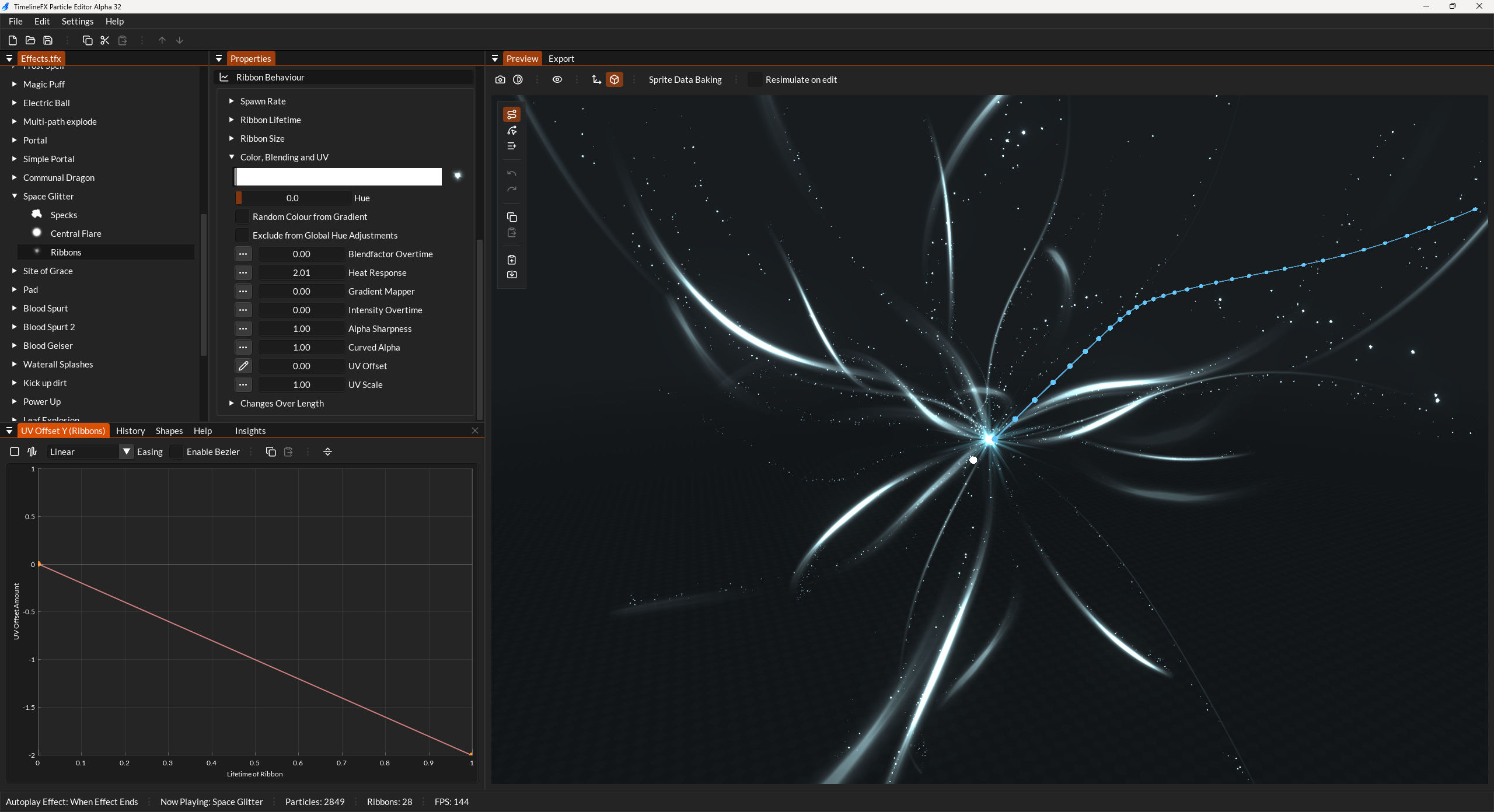
New: Ribbons
A completely new emitter type that draws continuous ribbon geometry:
- Textured ribbons with UV wrapping and per-length UV control.
- Fixed-angle and camera-facing ribbon modes, with Frenet–Serret framing
for stable orientation along the curve. - Full graph control: over-length gradients, intensity, width, clipping, and
overall scale, plus per-ribbon color ramps. - Ribbons can be rotated with quaternions, looped, and baked into sprite data for
export and playback. - Particles can now spawn on ribbons, and travel along them.
- GPU-driven ribbon buckets for efficient rendering of many ribbons at once.
- See new Effects file that ships with the editor for plenty of brand new effects that show off ribbons in various effects.
New: Path trajectories and a full path editor
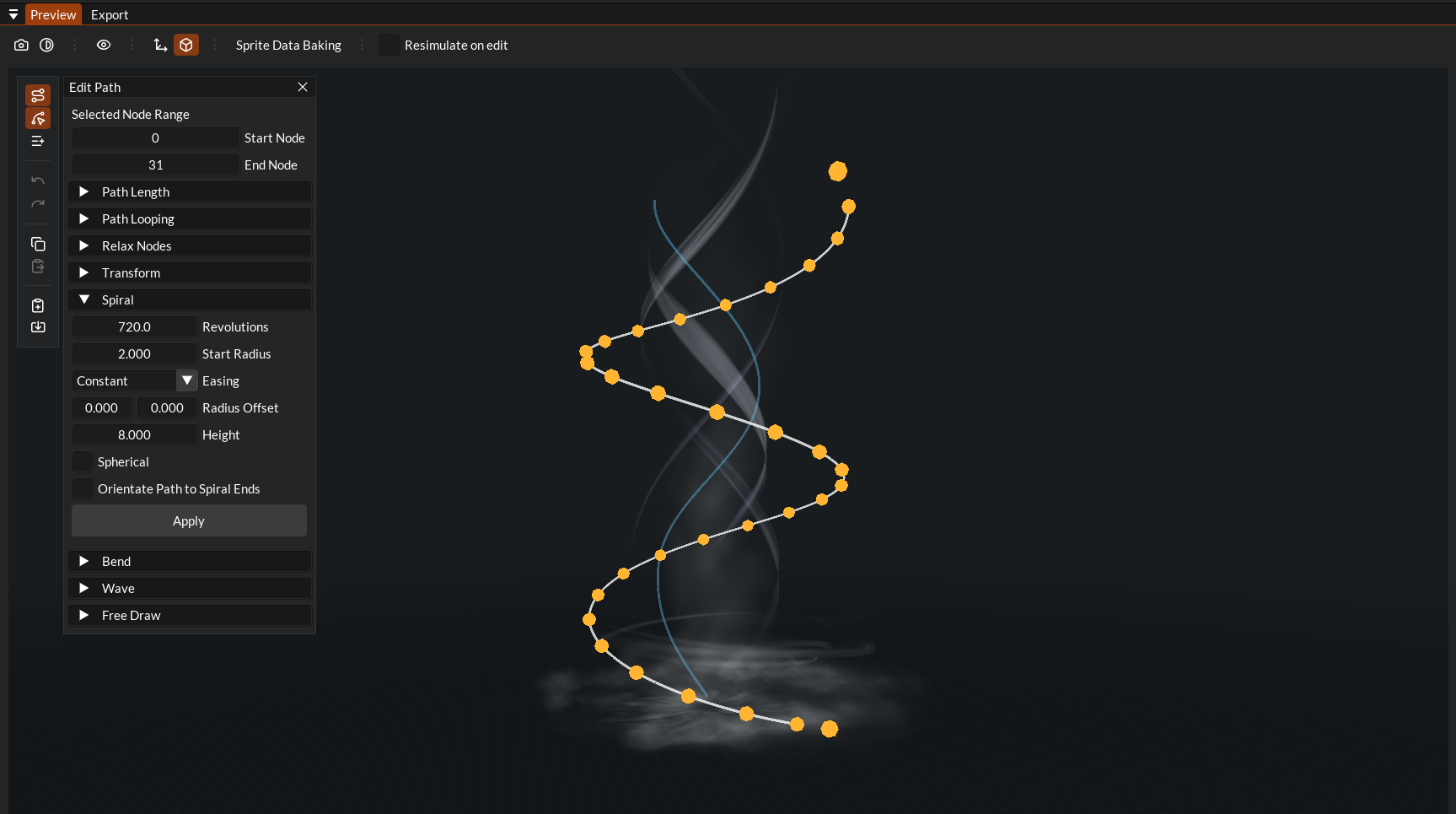
- Paths as trajectories: particles can now travel along an emitter path rather than just spawning on it.
- A greatly expanded path editing toolset: translate / rotate / scale gizmos, a free-draw mode, and spiral, bend, and wave generators with a library of presets.
- Path nodes are drawn as instanced spheres, with node selection, pivot control, centering, and even node data.
- Dedicated undo/redo for path edits, path node data saved into effect history, and export of paths to C/C++/C#/Rust/Python/JSON.
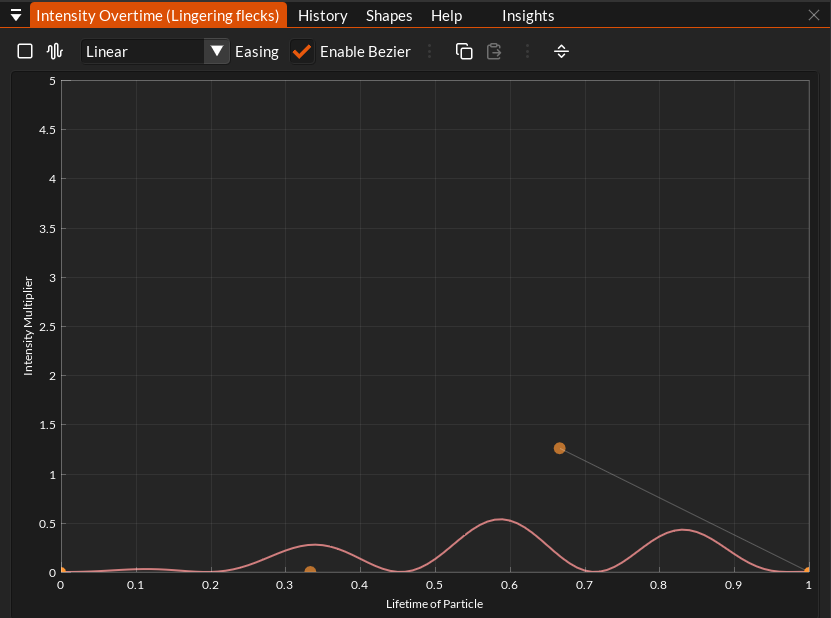
New graph editor
- The attribute/curve editor has been rebuilt on ImPlot.
- Multi-node graphs with proper bezier curves and a range of easing functions (smoothstep, cubic in/out, and more).
- On-graph node scaling that respects loop length, snap-to-grid on both axes, loop markers, and an oscillator per graph.
- Graph attribute lookups were removed in favor of direct evaluation, simplifying the pipeline and reducing baked data.
- New oscillator that replaces the sin wave creator.
Colour, lighting and post-processing
- Color ramps refactored to plot straight to a 16-bit (RGBA16F) bitmap, with heat response baked directly into the ramp — no per-pixel
powat runtime. - Improved color picker with multiple color interpolation modes.
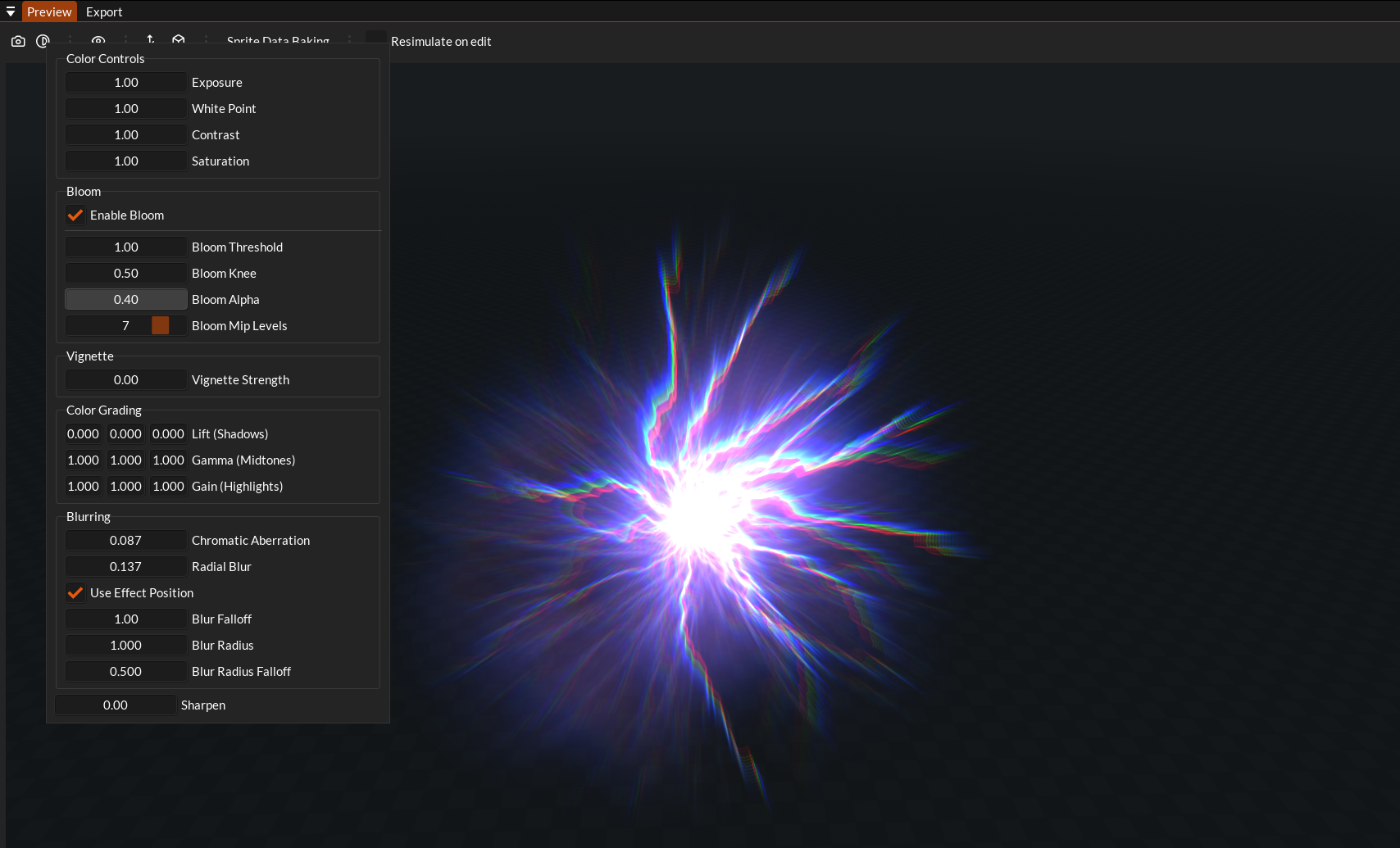
- HDR pipeline in the preview and export tabs: bloom, tonemapping, soft particles, a radial blur, and rendering to a lower-res target for high-fill-rate effects. Max intensity raised to 20. See roadmap for how I’ll be expanding on this below.
Export and sprite data updates
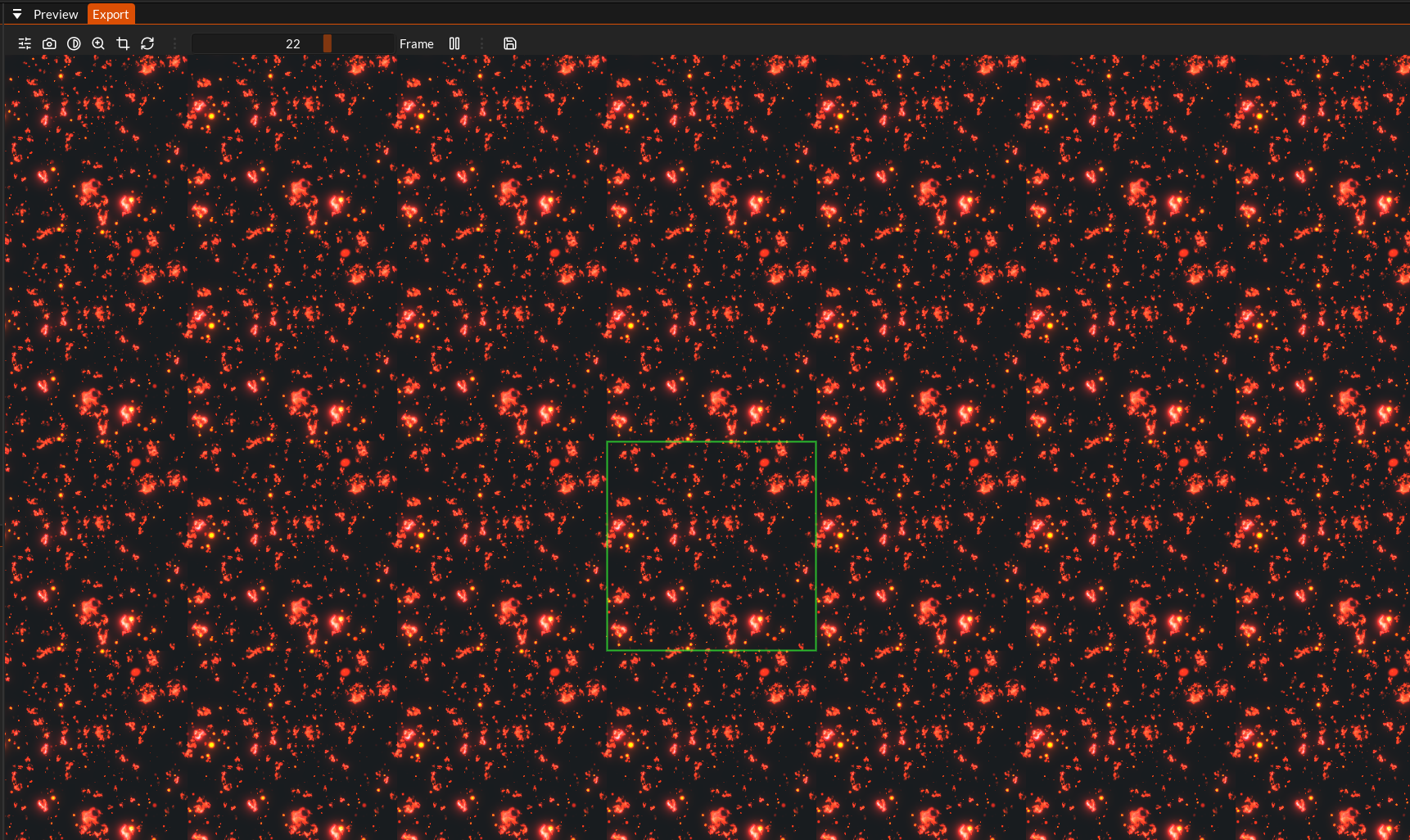
- The Animation tab is now the Export tab and runs entirely through the sprite-data pipeline, flip-book sheets and ribbons export through the same path, at higher quality.
- Seamless tiling export restored for both 2D and 3D (although it needs a little work still).
- Bounding-box and playback compute updated for the smaller instance format.
- Transparency of the exported sprite sheet is much higher quality, it was ok before but should be perfect now.
Undo/History overhaul
- The history/undo system was rebuilt around effect descriptor handles, with friendly labels/values and far more reliable recording of property, graph, color, path and copy/paste changes. This opens up the path in the future for me to save the history of an effect in the save file so that I can create tutorial files. The idea being that you can load a file, go to a tutorial tab and step through the whole history of the effect with notes at each point describing exactly what was done to create the effect.
Other stuff
- Initial 2D/3D unification so both share the same effect pipeline so effectively all effects are 3d now.
- Warmup / fast-forward: effects (and ribbons) can pre-simulate so the first rendered frame shows a steady state. This is very useful for creating complex effects where some emitters delay their spawning and you just want to see an effect from a given point in time to tweak it from there.
- New emission options: domes and discs from ellipsoids, reworked white-noise
and curl/simplex noise, improved path-gradient emission directions. - Effect scrubber bookmarks, insights for new features, new fonts and icons.
- Hundreds of bug fixes and an expanded automated test suite to help me keep on top of bugs before releasing a new version.
Some other notes worth bearing in mind in this version:
- The help documents are quite out of date now I’ll update them as soon as I can, the insights tab though should be up to date so you can keep using that to get a handle on how the effects in the example library work.
Roadmap from here
Still lots to do but there’s a very solid foundation there now to start pushing updates out much more regularly. Here’s what I’ll be aiming for over the next few updates:
- Get the help documentation up to date.
- Revamp the preset effects and also add ribbon emitter pre-sets, there’s only one currently.
- In my new app, it has a post fx feature where you can add as many postfx as you want to the exported shape, I want to port that same feature to the Export tab which will be an amazing addition I think. The current implementation of post fx in the editor is a test to get the basics working (and a test of the new rendering api from zest). Looking forward to expanding on this mainly for the sprite sheet exporting. TimelineFX library is renderer agnostic so it will be up to the user to implement their own post fx but the editor can help visualise how things could look.
- Talking of the new app: I’ll clean it up and release it on itch.io in early access – it goes completely hand in hand with timelinefx and at some point I may even integrate it directly into the editor.
- The TimelineFX Library could do with work on it’s API to make sure it’s up to scratch and ready to use in games. I learnt a lot while I was working on Zest that I want to apply here. It is of course render agnostic so I’d like to do something like Dear ImGui and have a folder of different implementations for how to render the particles and ribbons across different APIs. These will of course be very simplified examples that just do the job of explaining exactly what you need to send to the GPU and the shaders that need to run on the GPU.
- Much more work on QoL features in the editor from an artists point of view. I want it to be as artist friendly as possible which it currently misses the mark on. The editor should have a lot more features where it makes it as easy as possible to create the exact effect you were thinking of.
- There’s still plenty of features I want to add to ribbons, like animating them with noise and other things so that they’re not so static.
- Lots more! Updates will be coming faster now.