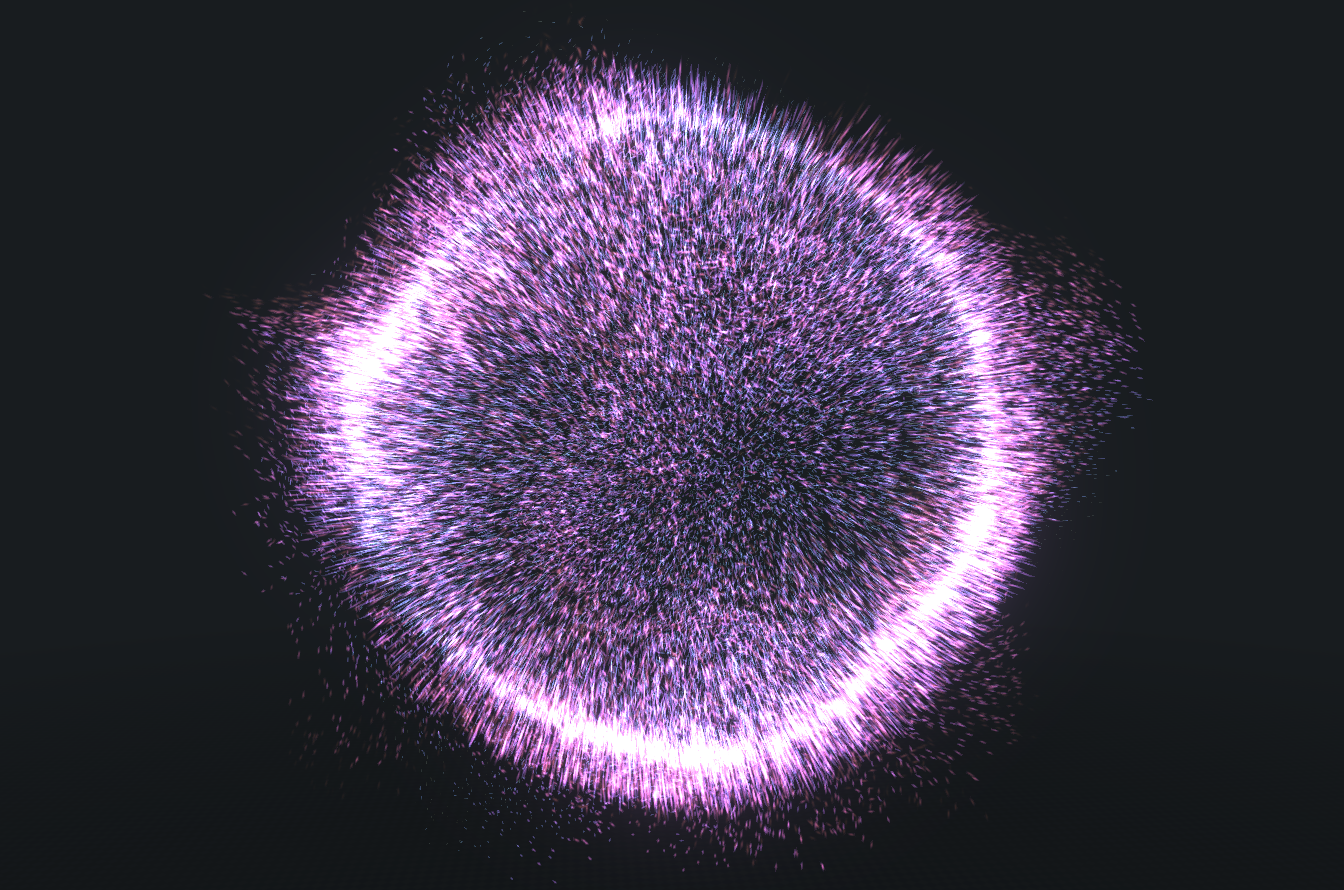
Alpha 34 is now released which sees what’s hopefully the last big semi-breaking changes. Before this change, velocity was calculated each frame by taking the base velocity and multiplying it by the velocity overtime graph, so you would draw the velocity of the particle over its lifetime to dictate exactly its speed as it aged. This had a few drawbacks: particles lacked a physical movement style and felt more mechanical, especially when it came to noise, where particles would all move too uniformly.
Now velocity accumulates over the particle lifetime so that particles can behave in a much more fluid and natural way. Noise, especially simplex and curl, looks a lot more fluid. In addition, I’ve added some new particle behaviour attributes:
- Drag and drag variation: Now that velocity accumulates, particles need a way to slow down and reach a terminal velocity, and that’s exactly what drag is for. Drag is friction, expressed as a rate per second: with no drag, particles keep gaining speed for as long as something is pushing them, and coast forever once it stops. With drag they settle at a top speed of acceleration divided by drag. Add drag variation to vary the amount of drag per particle so that a spray of debris doesn’t all slow down in lockstep.
- Spawn impulse and spawn impulse variation: Velocity overtime has been replaced with acceleration overtime, which means it now takes longer to accelerate particles up to the speed you want. For something like a starburst, acceleration overtime isn’t enough on its own, and that’s where spawn impulse comes in. Use it to immediately set a particle’s initial speed. So a starburst would now use a spawn impulse plus drag so that the particles slow down on a curve. The impulse is only applied when the particle spawns; only acceleration is applied every frame. Spawn impulse variation randomly varies the launch speed per particle..
Forces
Under the emitter properties there’s a new group called Forces. Rather than acting on each particle directly, a force describes the medium that the particles are suspended in – the air, the water, the blast wave – so its strength is a speed rather than a push. You can add up to 8 forces to an emitter, and they’re all summed into a single flow before the particles ever see it, which means the order of the list doesn’t matter and you can combine forces to create a wide range of movement.
Because forces describe a medium, drag decides how a particle responds to the flow rather than whether it does at all. With no drag, a force just keeps adding speed for as long as the particle is in it; add some drag and the particle settles into a steady speed instead, which is what makes a force read as air carrying something along rather than as a rocket motor.
- Attract: This force will pull or push particles towards or away from a central point based on the Strength setting. Negative values attract and positive values repel. You can also set the origin and radius of the effect, and use the profile graph to create a falloff..
- Vortex: This force has replaced orbital (orbital may come back at some point if I feel it’s still needed, because it behaves a bit differently). Rather than a point, a vortex has an axis that the particles orbit around based on the Strength setting. You can also use the Radial Ratio setting to lean the flow inwards towards the axis (negative numbers) or outwards away from it (positive numbers) as it spins – a small negative value is what turns a flat swirl into a funnel. There’s also an Axial Ratio that you can use to make the particles move up or down the axis as they rotate around it. Again, you can set a radius for the field and use the profile graph to manage the falloff. Note that the field is a cylinder around the axis, not a ball around the origin, so what matters is how far a particle is from the line.
- Wind: Exactly as it says, it simply pushes the particles in a direction that you set. It has no area and no falloff, so it’s by far the cheapest force there is.
- Shockwave: Emits a shockwave that travels out from the origin point and pushes particles as it goes. Speed sets how fast the leading edge expands and Radius sets how far it travels before it dies out. Thickness is how deep the wave is behind its leading edge, and the profile graph is stretched across that thickness, reading from the front of the wave at 0 to the back of it at 1, so the profile is what shapes the punch and the tail of the blast. A negative strength sucks particles inwards instead of blowing them out.
- Noise: All the noise types are now located here in forces and have moved from their original position in particle behaviour. Because noise is now an acceleration field, it can be combined with the other forces too to create some great looking effects. Being a force also brings noise two new things: it can be confined to a ball with its own radius and falloff, so particles inside it are stirred up while particles outside stay perfectly smooth (a radius of 0 still means “everywhere”, which is how noise has always behaved), and there’s a new Noise Affects slider that decides whether the noise changes a particle’s direction, its speed, or both. Note: you can only have one noise force per emitter.
Every force also has a Space setting – World, Effect or Emitter – which decides what the direction and origin you type in are relative to. World space means the flow doesn’t turn when you rotate the effect, which is usually what you want for wind, because the air doesn’t turn just because the thing in it does. Effect and Emitter space carry the field around with their owner.
Forces can also be delayed so that they only come into effect after a set time, which is handy for sequencing a single effect: wind from the start, a shockwave at 200ms, a vortex fading in behind it.
Each force also has copy, mute and delete buttons on its row. Copying takes the profile curve with it, so it’s the quickest way to get the sparks, the smoke and the debris of one effect all agreeing about which way the wind is blowing. Muting switches a force off without deleting it and costs the emitter nothing, so it’s a free way to audition an effect with and without a particular force. All of it is recorded in the history, so you can undo your way back out of any of it.
Two things to be aware of: all force strengths in an effect are scaled by the effect’s global noise value, so you have one control that turns every force in the whole effect up or down together; and forces have no effect on emitters using “use path or line as trajectory”, because those particles are positioned along the path directly rather than being moved by velocity. The Forces section tells you as much when that’s switched on.
I’ll be tweaking forces over time and will probably change some of the settings to graphs so that you can adjust the value over the lifetime of the emitter.